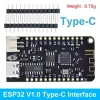
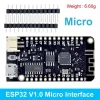


MicroPython ESP32 Development Board With CH340C and Micro/TYPE-C USB
$2.67
ESP32 Wifi Bluetooth Development Board CH340G MicroPython Micro/TYPE-C USB For Arduino
Quick RFQ
Product Information
LOLIN32-Lite WiFi Bluetooth Development Board CH340 Rev1 MicroPython 4MB Type-C/Micro USB
Parameters
- Lastest ESP32 Version: REV1
- WiFi + Bluetooth
- 4MB Flash
- Lithium battery interface, 500mA Max charging current
- Default firmware: Latest version of MicroPython firmware
- Max serial baud rate: 256000bps
How to Flashing MicroPython Firmware Using Thonny IDE
Before proceeding with the steps below, ensure that you have already installed the Thonny IDE on your computer and downloaded the MicroPython firmware.
- Connect your ESP32 board to your computer.
- Open Thonny IDE.
- Select the interpreter you want to use.
- Select the COM port your board is connected to.
- Go to Tools > Options > Interpreter.
- Select MicroPython.
- Select the port to which your board is connected.
- Press the Choose button.
- Navigate to your Downloads folder and select the ESP32 .bin firmware file.
- Hold down the BOOT/FLASH button in your ESP32 board.
- Click the ok button in the burn firmware window.


| Length | Micro USB, Type-C USB |
|---|
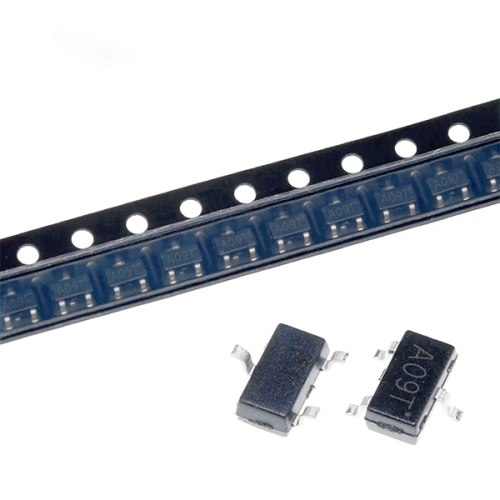
AO3400 SOT23 AO3400A SOT-23 A09T SOT new MOS FET transistor
$0.82 Select options This product has multiple variants. The options may be chosen on the product page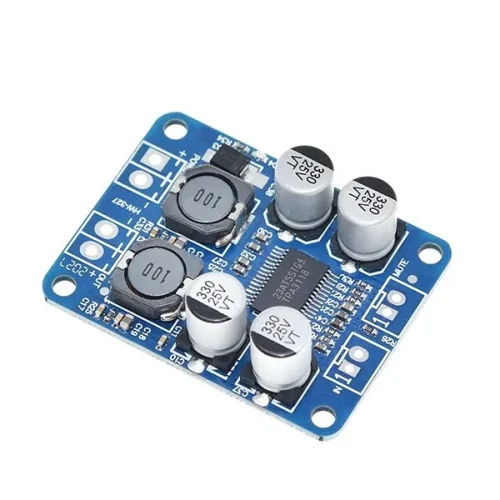
TPA3118 Mono Digital Audio Power Amplifier Module
$1.44 Select options This product has multiple variants. The options may be chosen on the product page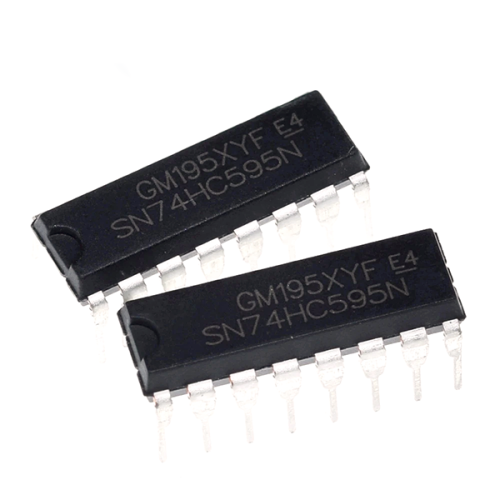
SN74HC595N DIP16 SN74HC595 DIP 74HC595N 74HC595
$1.02 Select options This product has multiple variants. The options may be chosen on the product page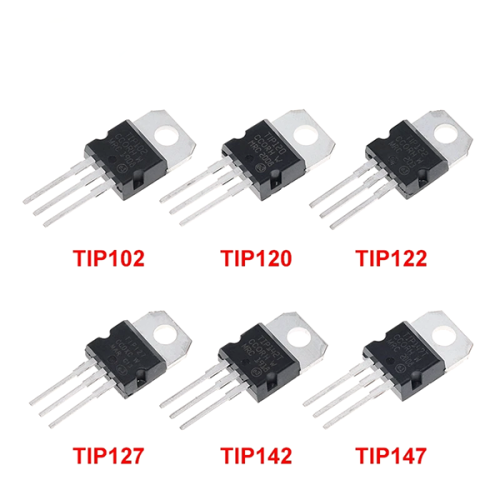
Transistor Series – TIP102, TIP120, TIP122, TIP127, TIP142 and TIP147
$1.27 Select options This product has multiple variants. The options may be chosen on the product page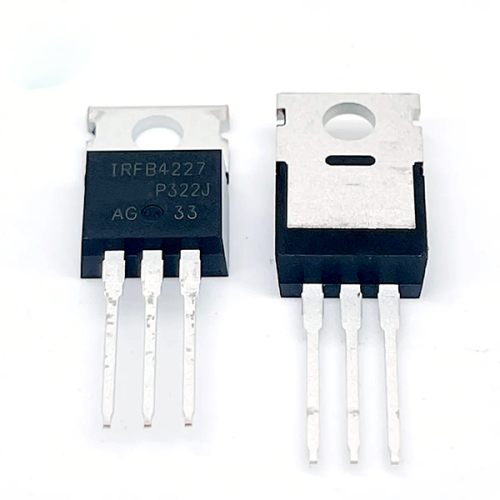
IRFB4227PBF IRFB4227 FB4227 TO-220 N-Channel MOS Tube PDP Switch
$16.00 Select options This product has multiple variants. The options may be chosen on the product page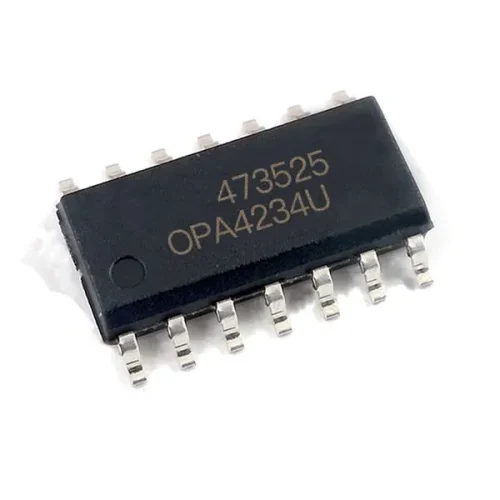
OPA4234 IC Chip
$15.28 Select options This product has multiple variants. The options may be chosen on the product page
Related products

NodeMCU V3 CH340 ESP8266 Development Board with PCB Antenna
$1.36 – $2.88 Select options This product has multiple variants. The options may be chosen on the product page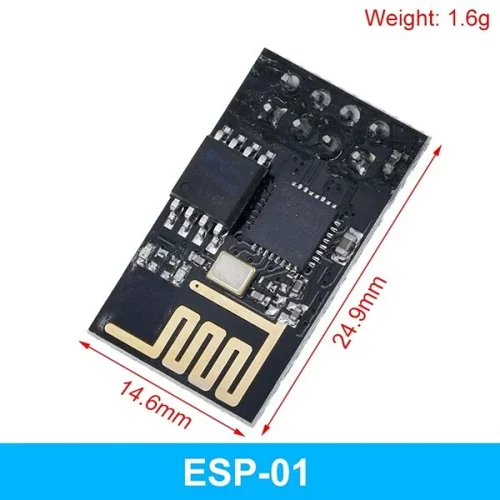
ESP8266 and ESP32 series Wi-Fi transceiver modules
$0.97 – $2.78 Select options This product has multiple variants. The options may be chosen on the product page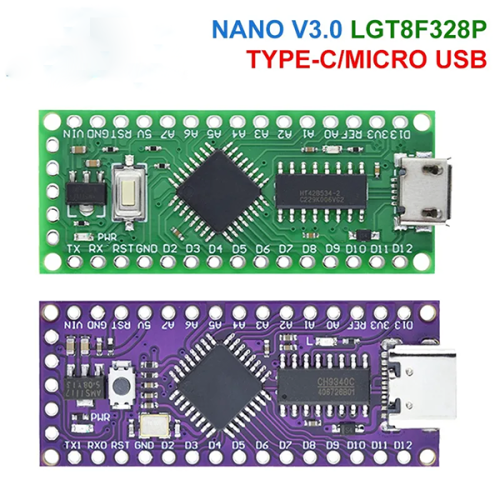
LGT8F328P-LQFP32 MiniEVB TYPE-C MICRO USB Compatible With ATMEGA328 Nano V3.0 LGT8F328P CH9340C / HT42B534-1
$1.84 – $1.93 Select options This product has multiple variants. The options may be chosen on the product page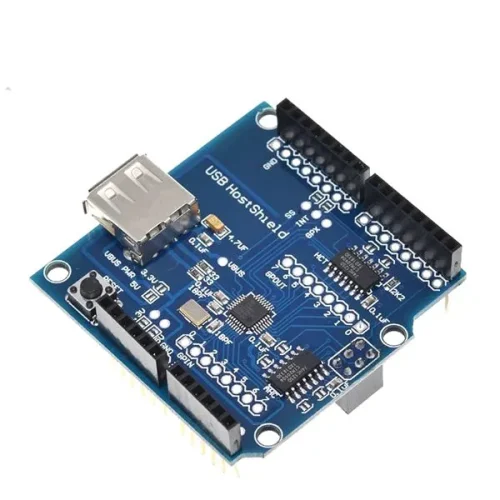
USB Host Shield 2.0 for Arduino UNO MEGA ADK Compatible for Android ADK DIY Electronic Module Board
$5.33 Select options This product has multiple variants. The options may be chosen on the product page